

Are you curious about the Ideal Image sizes for WordPress? Do you want to know which sizes to use for different sections? If so, keep reading this Image guide!
Pictures make WordPress sites much more visually appealing and interesting to visitors. Good images can capture attention in seconds, encouraging users to spend more time on the site.
They also enhance brand identity by ensuring that the visuals align with the brand’s message, thus helping in recognition.
Images make content more readable by breaking up text and illustrating key points. Optimized images are good for SEO, as descriptive file names and alt text help images gain better search visibility.
Ultimately, well-placed visuals can persuade visitors to take a desired action by signing up or making a purchase, for instance.
But if you use the wrong size pictures, it can slow down your site, hurt your search rankings, and make things less user-friendly.
This guide will show you what size pictures to use in different parts of your WordPress site. It’ll help you make your site look great without making it slow.
Image Guide: What Size Image’s to Use On WordPress

Why Image Sizes Matters on WordPress
Images that are too large can slow down your website, leading to higher bounce rates. On the other hand, using images that are too small may appear pixelated or blurry, which diminishes the professional look of your site.
To strike the right balance, it’s crucial to use properly sized images. WordPress allows you to customize image sizes and provides default options to make your work easier.
Default WordPress Image Sizes
When you add a picture to WordPress, it creates four sizes on its own:
- Thumbnail: 150 x 150 pixels
- Medium: 300 x 300 pixels (or a max height/width of 300px)
- Large: 1024 x 1024 pixels (or a max height/width of 1024px)
- Full Size: Original size of the uploaded picture
These sizes can be useful, but they might not always fit your website’s look. Tweaking picture sizes to match what you need is crucial.
Recommended Sizes for Images of Different WordPress Sections
Featured Images

Recommended Size 1200 x 628 pixels
A featured image refers to an image used to portray a post or a page with attractive visual perception. It flaunts itself on the homepage, archive, and individual posts.
Featured images can be set through the “Featured Image” meta box provided by the editor. This may differ from theme to theme. Featured images, when rightly optimized, can become an advantage for SEO purposes.
The featured images are used on blog posts and pages. Ideal size means the image will display well on your website as well as social media posts.
Hero Images or Full-Width Banners
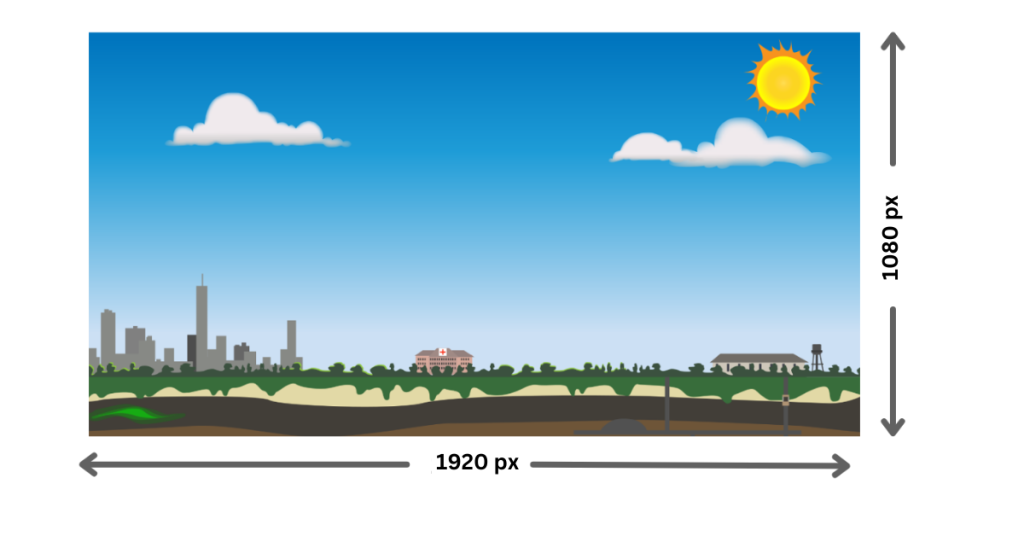
Recommended Size 1920 x 1080 pixels
A full-width banner is a visual element that takes up the full width of the page. It is often used for promotions or branding.
You can add one using the Block Editor by selecting an “Image” or “Cover” block and choosing the full-width option. Page builders like Elementor allow easy creation of full-width sections.
Some themes have built-in options for full-width banners. Remember to optimize images for better loading times and ensure mobile responsiveness.
Hero images are often the width of your whole site. Using this resolution offers much clarity on most screen sizes including desktops and tablets.
Blog Post Images
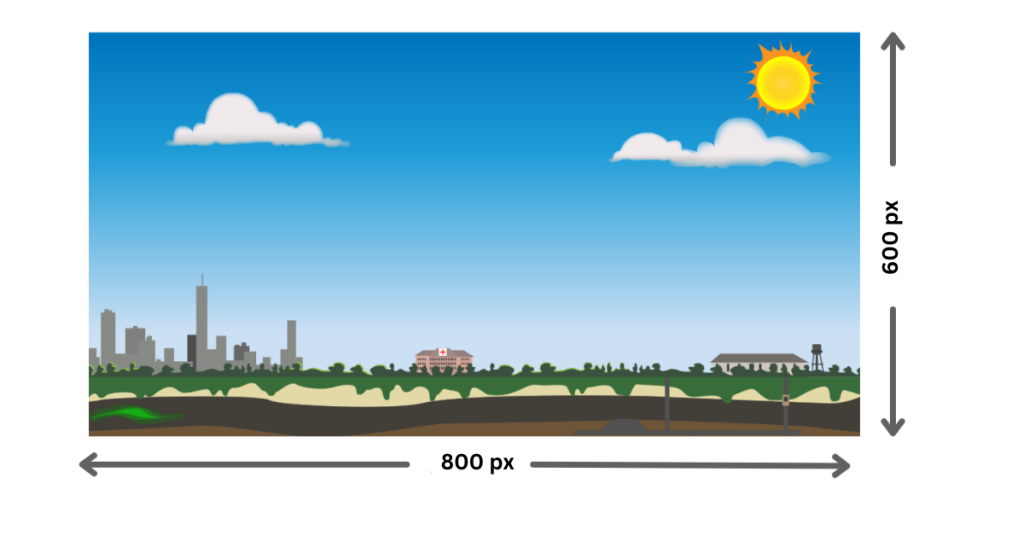
Recommended Size: 800 x 600 pixels
Blog post images are visual aspects that enhance the look of a blog and make it more readable. They complement content by using pictures of key points and examples.
Properly optimized images can promote better visibility in search engines and increase social media share.
Common types include header images, in-post images, infographics, and stock photos. They play a significant role in capturing readers’ attention and complementing the written text.
This size is good for the inline blog images so that they fit well into the content areas and load quickly.
Thumbnail Images
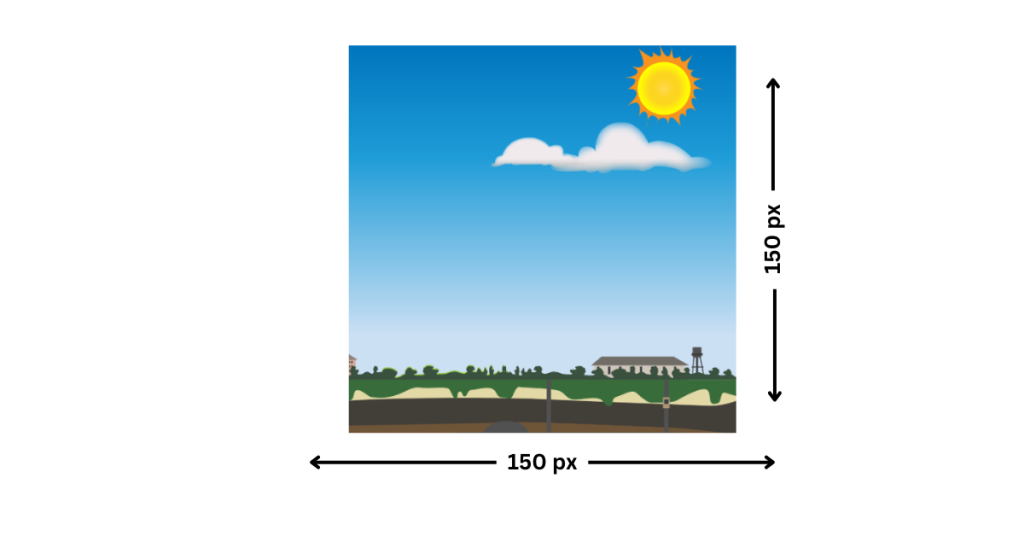
Recommended Size: 150 x 150 pixels
Thumbnail images are smaller previews of larger content, be it a blog post or video, designed to attract attention and encourage clicks.
It provides a quick visual representation of the content so that readers can take an estimate about its relevance.
Constant use of thumbnails improves the visual coherence of a website. Properly optimized thumbnails also improve search engine visibility. Thumbnails with relevant text that catch the eyeballs greatly enhance engagement.
Category listings and recent posts that are within the “related posts” widget use these. Constant thumbnail sizes make your website look neater.
WooCommerce Product Images

Recommended Size: 800 x 800 px
The product images in WooCommerce include the main image appearing on the product page, gallery images for the other angles or variations, and thumbnail images for listings.
These should be optimized to load very fast and also have SEO to improve user experience. Apart from that, they also need to be responsive, so they load well on all devices. Proper product images are essential to bring in customer engagement and sales.
For product pages, square images are the way to go; they’re high in resolution so users can get in close without sacrificing quality.
Background Images

Recommended Size At least 1920×1080 pixels
Background images in WordPress are huge images set to fill the background of a webpage or parts of it. They add visual beauty to the pages.
They are used to set atmosphere, branding, or even the context of content. Users can customize these images through theme settings or page builders.
Properly sized and optimized background images are critical for maintaining site performance and ensuring a great user experience.
Background images should be big enough to cover wide screens without distortion. Optimize for file size to avoid performance issues.
Logo Images

Recommended Size: 250 x 100 pixels
Logo images are a representation of the brand and usually display at the header or footer section of the site.
The images need to be high-quality, recognizable, and screen-size-optimized. Users can upload and edit logos via the WordPress Customizer or theme settings so that branding on the site will be consistent.
Keep logo images sharp but small enough to fit neatly in your site’s header or footer.
Gallery Images

Recommended Size: 600 x 400 pixels
Gallery images are groups of images presented together. It is commonly used for portfolios, products, or events.
There are different ways to create galleries using either built-in blocks or plugins that offer different layouts and styles.
Optimizing the size and quality of gallery images reduces load times and makes it easier for users to navigate through visual content.
This size works well for grid-style image galleries, ensuring consistency and quick load times.
How to Resize Images in WordPress
Change Settings:
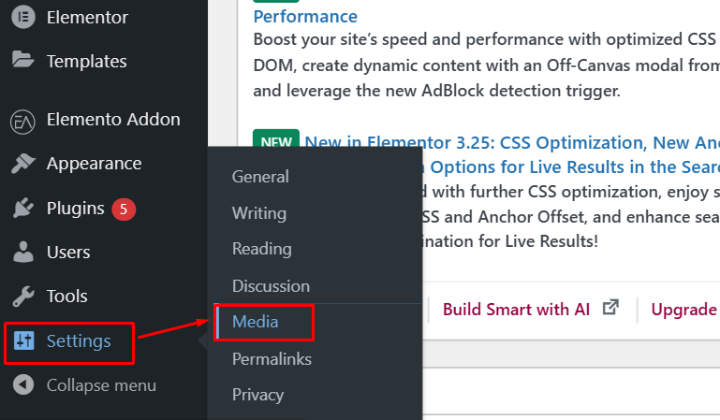
Open your WordPress dashboard and go to Settings > Media. You can change the default sizes for thumbnails, medium, and large images according to your needs.

Regenerate Images:
If you have changed the default sizes, you will need to regenerate the sizes of your existing images so that they match the new settings. This way, your website will be uniform.
Theme Specific Guidelines:
Some themes suggest image sizes that are ideal for optimal design and responsiveness. Review your theme’s documentation or configuration to size images according to those recommendations.
Best Practices for Image Optimization

A few tips to make sure your images look fabulous without slowing down your site are here:
- Compress Your Images: TinyPNG, ShortPixel, or Smush can compress your images without losing quality, at least the quantity is concerned.
- Choose the Right Format
- JPEG is for photographs and detailed images.
- PNG is wonderful for graphics with fewer color counts or a transparent background
- WebP- This is a newer format that is lightweight and of high quality.
- Enable Lazy Loading: Lazy loading only loads images when they are visible on the screen, which makes your site load faster.
- Test Your Site: Use tools like Google PageSpeed Insights to test for image-related performance issues.
How can we help?

Justech Creations is a professional web development and design company offering all-rounded WordPress solutions. On optimizing images and the proper size to be used on your WordPress website, they can give you the following:
- Expert guidance on image sizing: They will be able to guide you on what images are supposed to have which sizes based on your chosen WordPress theme or layout, hence, ensuring your website is very professional and functioning.
- Custom Image Optimization Solutions: They specialize in compressing and resizing images without compromising quality, thus improving the performance and loading speed of your website.
- Theme-Specific Image Setup: In case your WordPress theme has unique image dimension requirements, such as sliders, galleries, or hero banners, they can customize and implement the appropriate settings for seamless integration.
- End-to-End WordPress Maintenance: Apart from images, Justech Creations can help with site speed optimization, layout adjustments, and overall website management to improve user experience.
FAQ
Q: What happens if I upload an image larger than the specified sizes?
Ans: WordPress keeps the original uploaded file and creates additional resized versions (e.g., thumbnail, medium, large). Your theme or plugins decide which size is displayed.
Q: How can I make WordPress images SEO-friendly?
Ans: 1. Use descriptive file names (e.g., Black-T-shirt-size-10.jpg instead of IMG123.jpg).
2. Add ALT text for every image to describe its content.
3. Compress images for faster loading, which improves page speed a critical factor for SEO.
Q: How do I troubleshoot broken images in WordPress?
Ans: 1. Check the image file path using Inspect Element in the browser.
2. Ensure folder permissions for /wp-content/uploads/ are set to 755 or 775.
3. Verify that the upload directory is properly configured in Settings > Media.
Conclusion
The Image Guide for WordPress emphasizes the ideal image sizes for use on the platform.
Balancing beauty and performance when it comes to WordPress site images is of prime importance. If you have your images using the recommended sizes and optimizing, then you’ll surely have a wonderful and speedy site that keeps people around.
Assess your needs and implement these suggestions above. Now, get ready to have a WordPress site shine both in the visual and technical fronts!
If you have any questions regarding anything, do not hesitate just to comment below, and we will help you solve your problem. Thanks for reading this blog.
Do Follow us on Instagram and Linkedin.
Discover More Articles: